How to Calculate Your Advertising Break-Even Point Before Scaling
Your ad dashboard says each order costs 30 and the campaign looks healthy. The tempting next move is to double the budget. But the dashboard counts orders. Your business is paid in money that stays after confirmation, delivery, returns and costs.
This article shows a simple way to turn that gap into one number: the most you can pay to win an order before the ads start losing money. That number is your advertising break-even point. Find it first, and a budget increase becomes a decision instead of a guess.
What break-even means
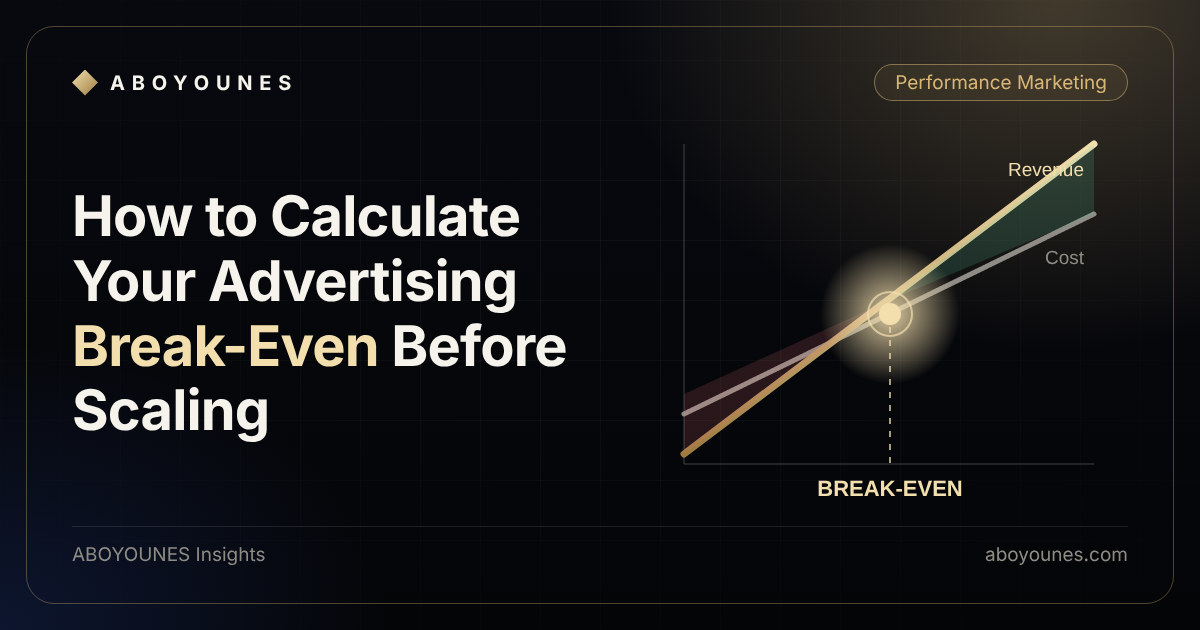
Break-even is the advertising cost at which what you earn from an order exactly pays for what it cost you to deliver it. Below it, advertising adds to your profit. Above it, every extra order makes you poorer, however good the campaign looks inside the ad platform.
It depends on your price, your costs and, above all, what share of incoming orders actually turns into a kept sale.
Why counting orders misleads
An incoming order is only a promise. Some customers never answer the confirmation call. Some refuse the parcel. Some return it. A prepaid payment can fail or be refunded. Your ads paid for the whole group, but your revenue comes only from the part that stays.
Your ads paid to bring all 100. Your revenue comes only from the 45 at the bottom.
In this example the ads brought 100 orders, yet only 45 produced revenue. If you divide your ad spend by 100 you get a comfortable number. If you divide it by 45 you get the real cost of a sale. Both are correct. They answer different questions, and mixing them is the most common reason a campaign that looks profitable is not.
The numbers you need
Collect these from your own store, for a recent period long enough to be representative:
- Selling price of the typical order.
- Product cost for that order.
- Shipping and handling you pay per delivered order, plus packaging if it applies.
- Payment or collection fees, if any.
- Your rates: the share of incoming orders that get confirmed, and the share of confirmed orders that are delivered and kept. If you take returns or refunds, include them.
- Cost of a failed order, if a refused or returned parcel costs you shipping or stock handling.
If you do not track one of these, estimate it honestly and mark it as an estimate. A rough number you know is rough is safer than a precise number you invented.
Calculate it step by step
The method has four steps. The visual shows them with one example, using the same 100 orders.
Revenue from kept orders
45 × 2009,000 SARMinus product and shipping
45 × (80 + 20)− 4,500 SARWhat is left for advertising
9,000 − 4,5004,500 SARYour break-even limit
4,500 ÷ 100 incoming · 4,500 ÷ 45 kept
45 SARper incoming order100 SARper kept order
Same store, two ad costs
- Revenue from kept orders. Multiply the orders that stay by the price.
- Subtract what it cost to deliver them. Product, shipping and any fees, for the kept orders only. In this simple example failed orders cost nothing. In your store they may not, so add that cost.
- What is left is the budget for advertising. If it is zero or negative, no amount of ad efficiency saves the offer.
- Divide that budget by the incoming orders to get a limit per incoming order, or by the kept orders to get a limit per kept order.
Use the first figure to judge what the platform reports, because the platform counts incoming orders. Use the second figure to judge the true cost of a sale.
Cash on delivery and prepaid work differently
The logic is the same, but the starting point and the leaks differ.
- Cash on delivery: you start with incoming orders, then confirmation, then delivery. The costly leak is the refused or undelivered parcel, because you may still pay shipping.
- Prepaid: you start with payment attempts, then successful payments, then shipped and kept orders. The leaks are failed payments, cancellations, refunds and payment fees.
Never compare a cost per payment attempt with a limit calculated per successful sale. Match the denominator on both sides.
If you sell with cash on delivery, there is one more issue. An ad platform can only optimise toward the events you send it. If it only hears about incoming orders, it learns to find people who place orders, not people who accept the parcel. See Delivery Signal for how delivered orders can be sent back to Meta.
Before you increase the budget
Run through this list first:
- Check your rates are stable. A confirmation or delivery rate measured on a handful of orders can move a lot.
- Expect new audiences to behave differently. Wider targeting can confirm and deliver at different rates than your current one. Re-measure after each step.
- Leave a margin. If your break-even is 45, running at 44 gives you no room for a bad week.
- Raise the budget in steps and compare the real result with your limit after each step.
- Look at the kept-order cost, not only the platform number. Your own order data is the source of truth.
- Recheck every time your price, product cost or shipping changes. The limit moves with them.
None of this guarantees a result. It makes sure the decision is based on your own numbers.
What this number does not tell you
Break-even is not net profit. It leaves out fixed costs, salaries, tax treatment and anything that does not change with each order. It also ignores what a customer may be worth after the first purchase. Treat it as a ceiling for variable advertising cost, and decide separately how much margin above it you need.
The short version
An order the customer never keeps is not a sale, but you still paid to win it. Work out what is left after the orders that stay and the costs they carry, divide it by the right count, and you have the ceiling for your ads.
If you want to try this on your own numbers, the free COD profit calculator estimates break-even from confirmation, delivery and return rates, and the free tools page lists what else is available. If the data behind these rates is not reliable yet, start with tracking setup. To see why your platform and store disagree about sales in the first place, read why your store sales don't match Meta and Google Ads.