Why Your Store Sales Don’t Match Meta and Google Ads
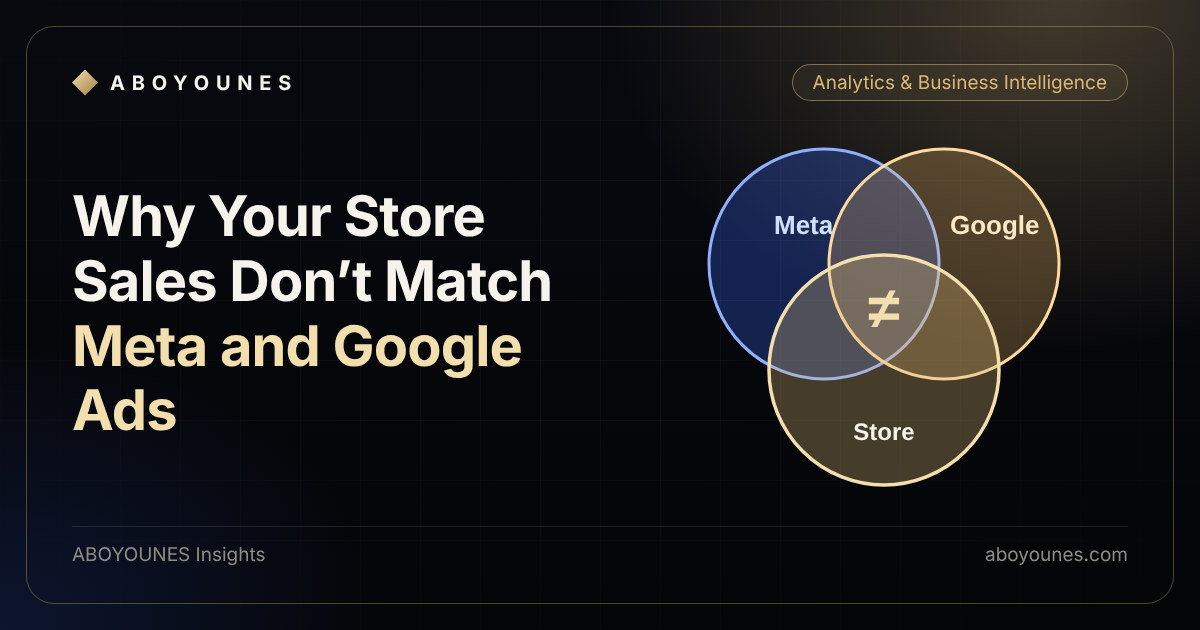
You open your store and see 100 orders. Meta reports 70 purchases. Google Ads reports 55 conversions. Add the two platforms and you get 125, more than the store created. Which number is wrong?
Usually none of them. Each system answers a different question with its own rules. The problem starts when you read them as if they answered the same one. This article explains where the numbers drift apart and how to build a version of the truth you can act on.
Three systems, three definitions
Your store records orders that were created. An ad platform records the conversions it can connect to its own ads, using its own attribution rules. Neither is lying. They just measure different things.
Each platform counts what it can attribute to itself. Neither knows what the other claimed.
The example shows the pattern that confuses most owners. Both platforms claim the same customer, because that customer saw or clicked ads on both. Each platform sees only its own side of the journey, so together they can claim more sales than exist.
Six reasons the numbers drift apart
Different events
One counts a purchase, another an order created or a lead.
Different windows
Each platform uses its own attribution window and model.
Later changes
Cancelled, failed or returned orders happen after the report.
Double counting
Pixel and server events without a shared event ID count twice.
Lost tracking
Consent choices, blockers and privacy settings hide some visits.
Time and money
Time zones, conversion time and tax or shipping rules differ.
- Define one sale
- Match order IDs
- Compare with one rule
- Decide
1. Different events
One platform may count a completed purchase. Another may count an order created, a checkout started or a lead. If the event definitions differ, the totals will differ before anything else goes wrong. Start by checking exactly which event each report counts.
2. Different attribution windows and models
Every platform decides how long after an ad interaction it will still credit a sale to that ad, and how it shares credit between touchpoints. These settings are configurable and they are not the same everywhere. A sale that one platform credits can fall outside another platform's window.
3. Changes after the report
The store keeps changing an order after it is placed: confirmed, cancelled, failed, refunded, returned. The ad platform usually saw only the moment of purchase. So the store's final figures drift away from the platform's early ones as orders change state.
4. Double counting
If the same purchase is sent from the browser pixel and again from the server, and the two events do not share an event ID, a platform can count it twice. A shared event ID lets the platform recognise the duplicate and keep one.
5. Lost tracking
Some visits and purchases never reach the platform: a visitor declines tracking, a browser blocks it, a privacy setting limits it, or a page fails to fire the tag. The platform then under-reports. Server-side events and a correct consent setup reduce the loss, but they do not remove it.
6. Time and money rules
Reports can use different time zones, and some report by the day of the click while others report by the day of the sale. Currency, tax, discounts and shipping can also be included in one figure and left out of another. A fair comparison needs both to use the same rule.
A practical way to reconcile
You do not need the numbers to match exactly. You need to know why they differ and which one to use for which decision.
- Define one sale. Write it down, for example: an order that is confirmed and not cancelled. Your store data decides this.
- Carry the order ID everywhere. Send the order ID or a shared event ID with every purchase event and keep it in your order table. Without it you cannot match a platform conversion to a real order.
- Compare the same period with the same rule. Same dates, same time zone, same currency, same definition of a sale.
- Find the largest gap first. Check duplicates, then lost tracking, then late status changes. Most of the difference usually sits in one or two causes.
- Choose a source for each decision. Use your own order and payment data to decide what you earned and what you can spend. Use the platform's numbers to compare campaigns against each other and to feed its optimisation. Write this rule down so the team stops arguing about which number is right.
What to fix first
- Make sure browser and server events share one event ID, so a purchase counts once.
- Pass the order ID and campaign information into your order record at the moment of purchase.
- Send back what happens after the sale if the platform can use it, such as which orders were delivered. If you sell with cash on delivery, Delivery Signal does this for Meta.
- Set up consent and tracking in a way that is consistent with your privacy policy and local rules.
- Review the setup once something changes: a new checkout, a new payment method, a theme update or a new domain.
If you want a second pair of eyes on this, the tracking setup and the full ads and tracking audit are built for it.
What a gap should tell you
A gap between your store and the platforms is normal. A gap you cannot explain is the real warning, because it means a decision is resting on a number you do not trust. Once you know the main causes, a stable and explainable gap is something you can plan around.
Then the question that matters comes next: given the sales that really happened, what can you afford to pay for them? That is the subject of how to calculate your advertising break-even point before scaling. And once your numbers agree, a dashboard that connects ads, sales and profitability keeps them in one place.